
How to Choose the Right Laptop 2026: The Complete Guide for SA Businesses & Students
Shopping for a laptop in South Africa in 2026 requires more than just looking at a price tag. With the rise of AI-integrated processors, fluctuating Rand values, and strict POPIA compliance needs, making the right choice is an investment in your productivity. At Introstat Shop, we’ve simplified the process into eight essential steps.

1. Identifying Your Use Case & Budget
Before looking at specs, define your category. In early 2026, the South African market has stabilized into three main tiers:
- Everyday & Student (R6,000 – R12,000): Reliable for web browsing, Office 365, and streaming. Look for the ASUS Vivobook Go or Lenovo IdeaPad Slim 3.
- Business & Professional (R15,000 – R28,000): Built for multitasking and longevity. This includes the HP ProBook 400 series and Dell Latitude.
- Power User & Gaming (R35,000+): High-end machines featuring Intel Core Ultra 9 or NVIDIA RTX 50-series graphics.
2. Choosing Your Operating System
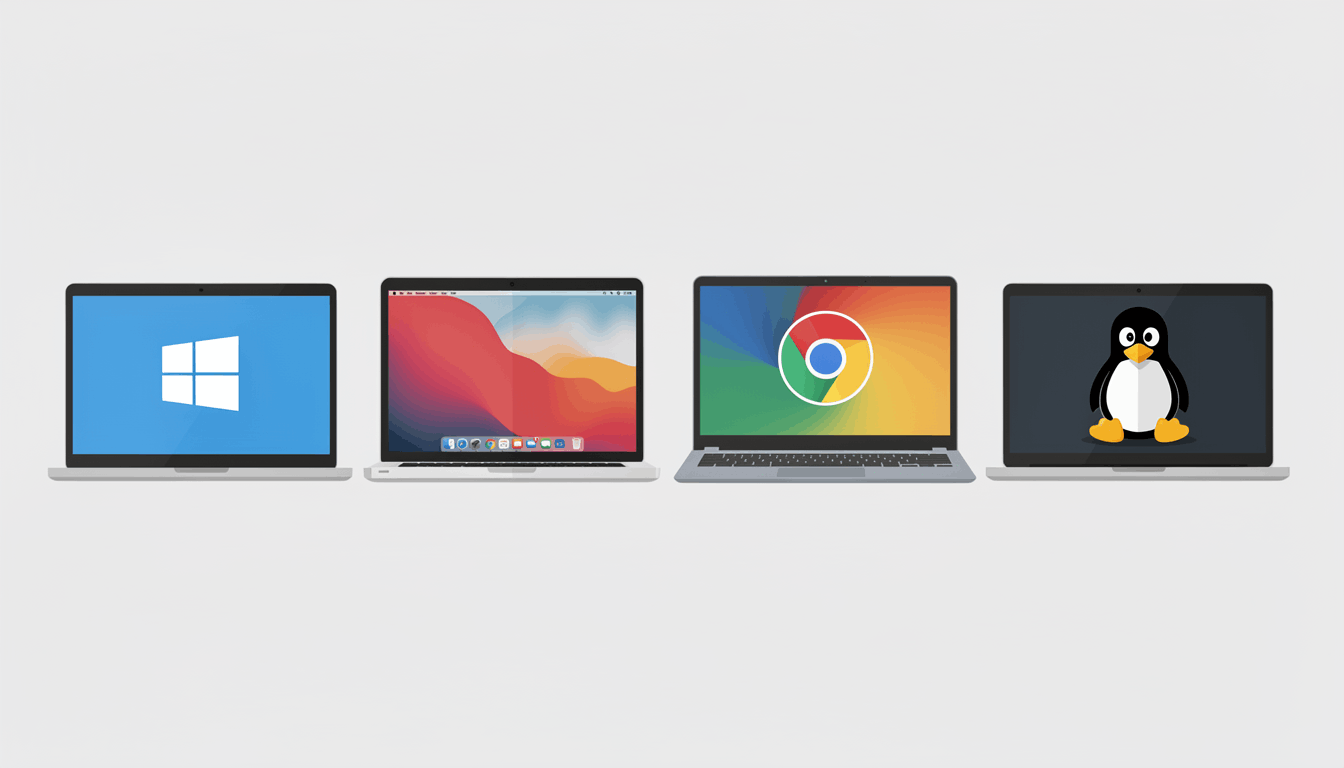
Your choice of OS dictates your software compatibility. Windows 11 remains the standard for SA corporate environments due to its security features. macOS is the preferred choice for creative professionals, while ChromeOS offers an affordable, cloud-first solution for education.
3. The Brain: 2026 Processor (CPU) Standards
2026 is the year of the AI PC. When browsing Introstat Shop, look for these three major players:
- Intel Core Ultra (Series 2 & 3): Excellent for general business and integrated AI tools.
- AMD Ryzen AI: Known for the best performance-per-Rand and battery efficiency.
- Snapdragon X Elite: The new king of battery life, offering 20+ hours for Windows users on the go.

4. RAM: Why 16GB is the New Minimum
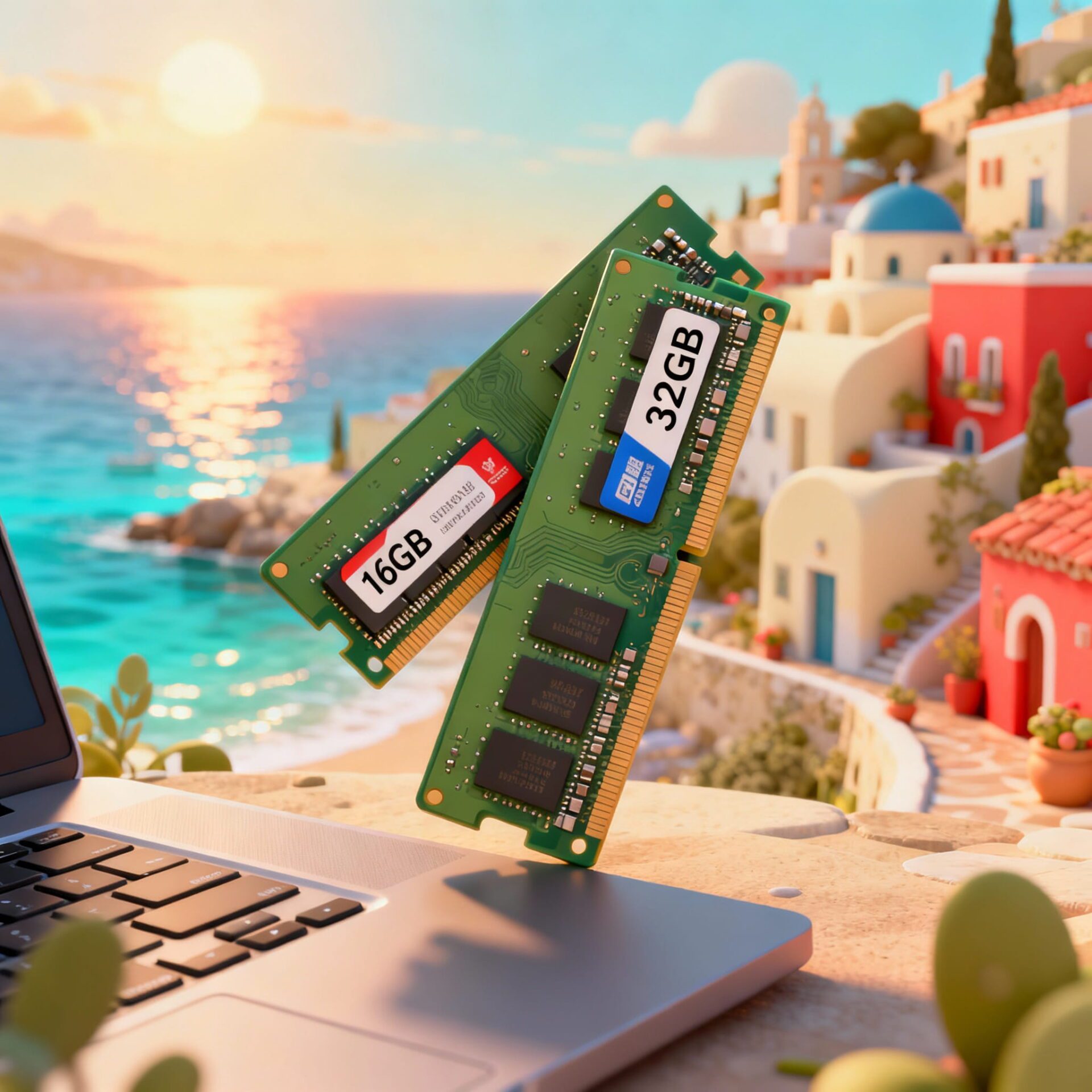
While 8GB was acceptable in the past, modern applications and background security suites now require more headroom. For 2026, 16GB RAM is the recommended baseline for any professional laptop to prevent system slowdowns during video calls or heavy multitasking.
5. Storage: NVMe SSD Capacity
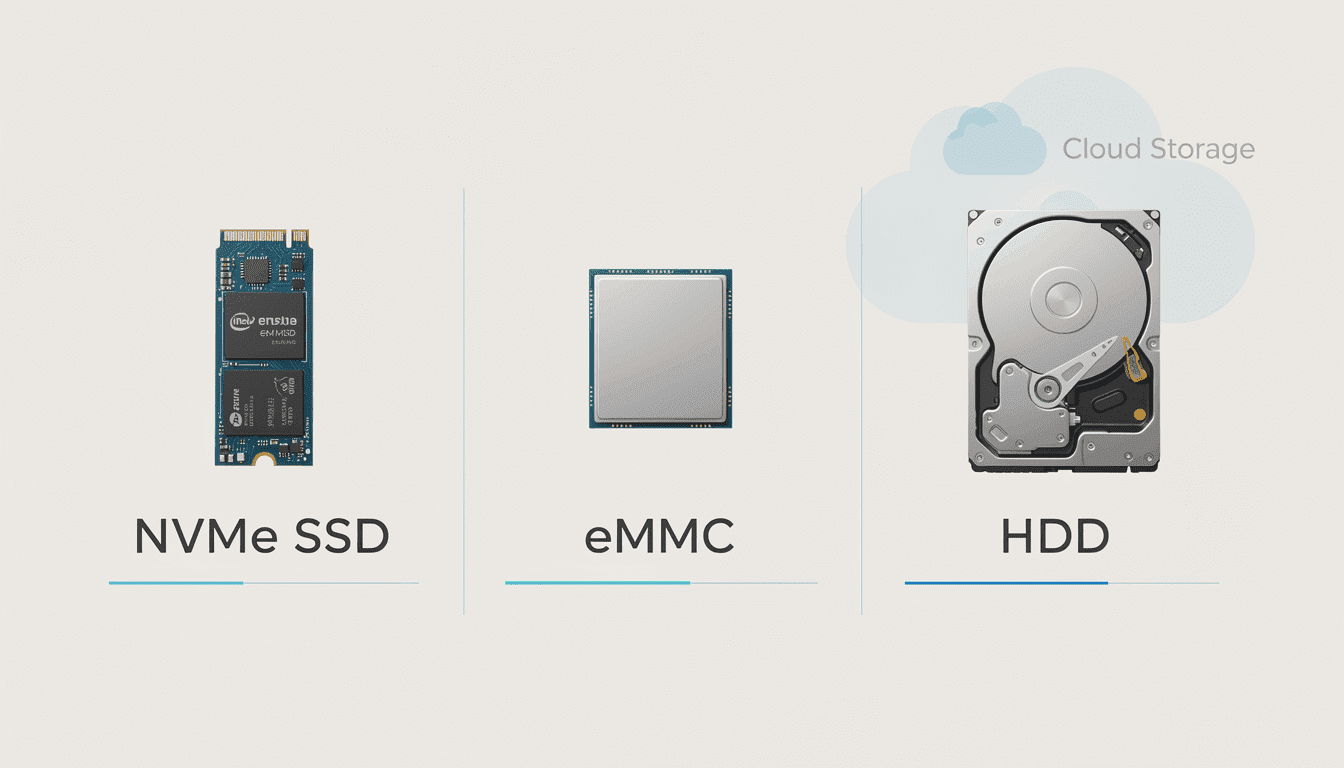
Speed is non-negotiable. Ensure your laptop has an NVMe SSD. 256GB is suitable for cloud-heavy users, but a 512GB SSD is the "sweet spot" for most users, providing enough space for local files and software updates.
6. Screen Size & Portability
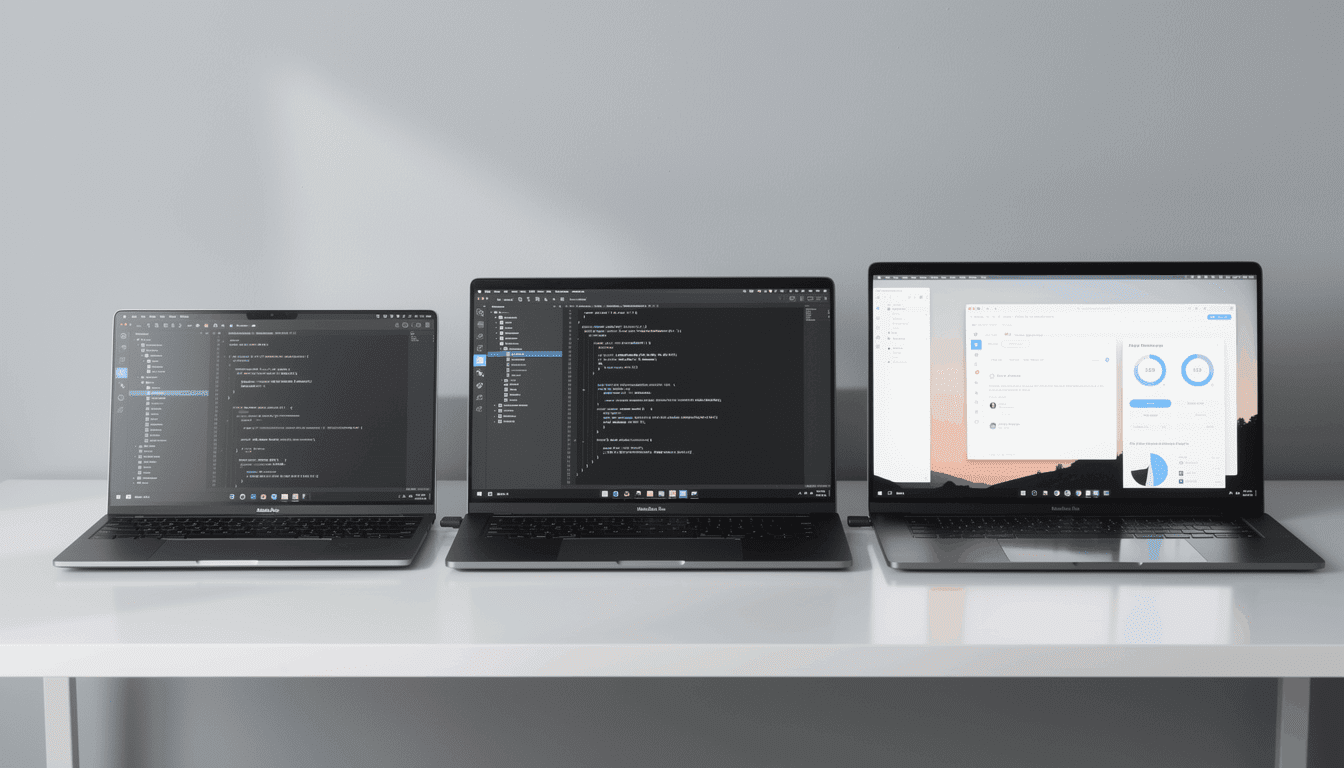
Do you work from a coffee shop in Sandton or a desk in Cape Town? 13" to 14" models are ultra-portable, while 15.6" to 16" screens offer better productivity for spreadsheets and design work.
7. Graphics & Dedicated GPUs
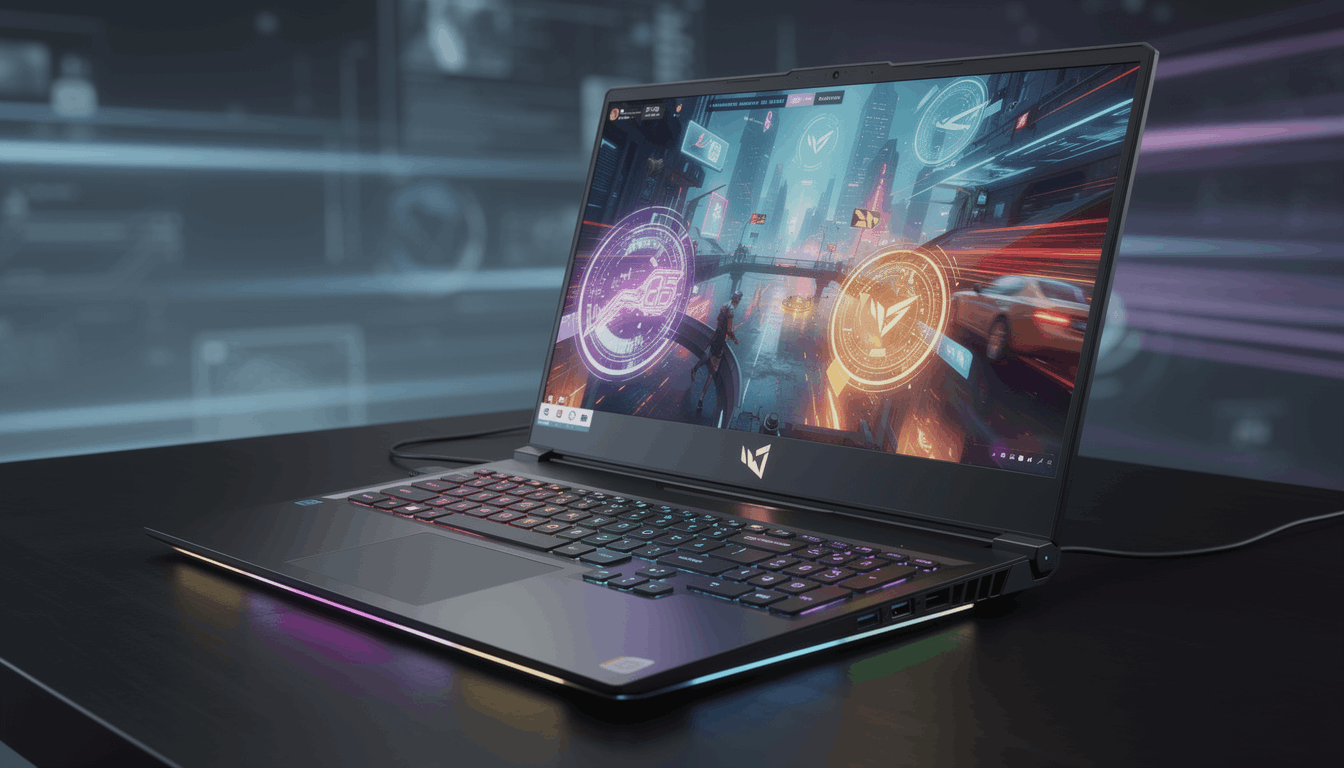
If your work involves 3D rendering, video editing, or high-end gaming, a dedicated Graphics Card (GPU) is essential. The NVIDIA RTX 50-series is the current gold standard for performance users in 2026.
8. Ports & Remote Work Essentials
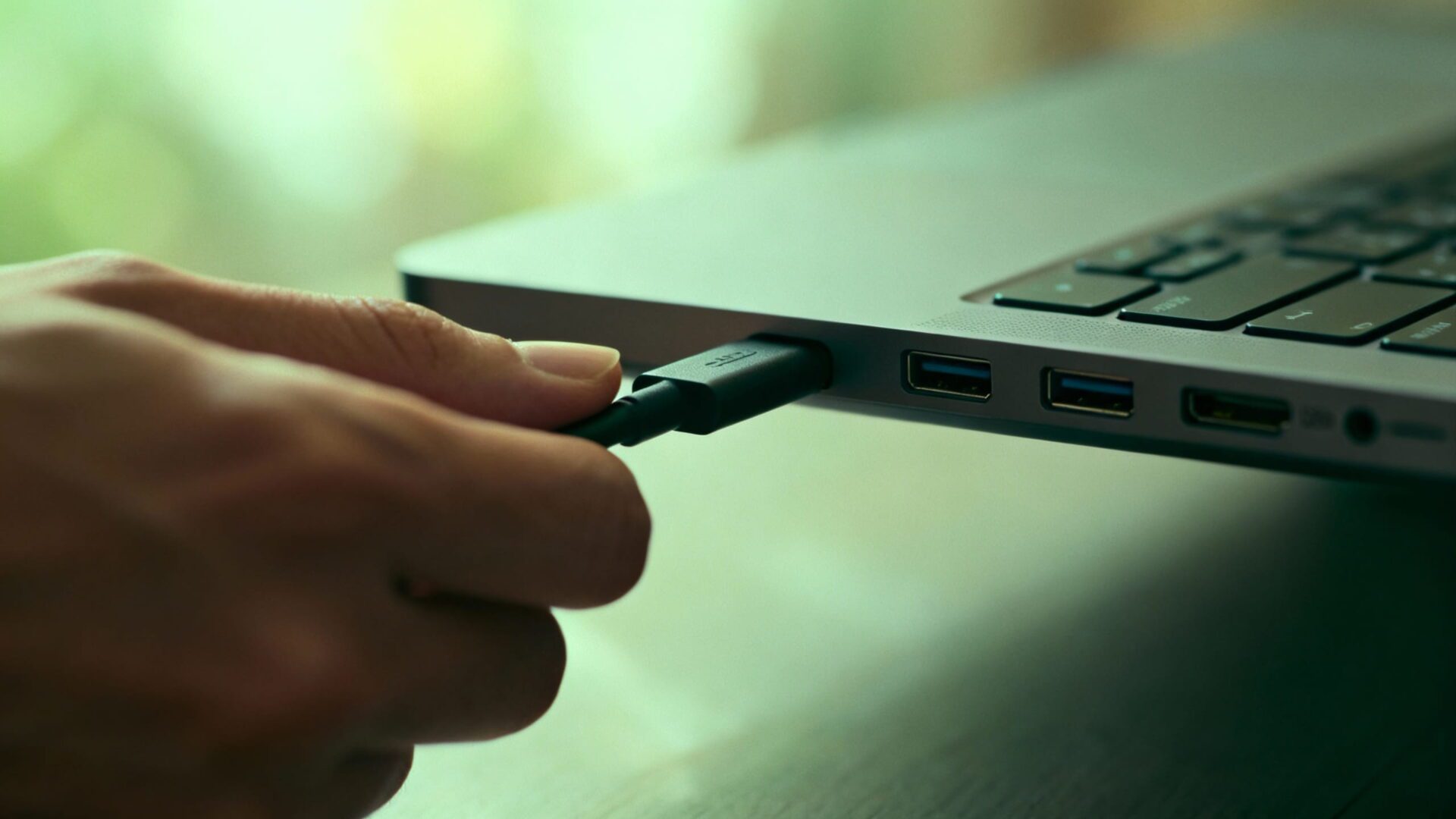
In a world of dongles, having the right ports matters. Ensure your new machine has USB-C (Power Delivery) and an HDMI port for external monitors. For remote meetings, a 1080p Webcam is now a standard requirement for professional clarity.
Laptop Specs Comparison Table
| Tier | Processor | RAM | Storage | Est. Price (Rands) |
|---|---|---|---|---|
| Entry | Intel i3 / Ryzen 3 | 8GB | 256GB SSD | R6,500 - R9,500 |
| Business | Core Ultra 5 / Ryzen 5 | 16GB | 512GB SSD | R14,000 - R19,000 |
| Executive | Core Ultra 7 / M4 Pro | 16GB - 32GB | 1TB SSD | R25,000 - R40,000 |
Upgrade Your Tech with Introstat
Ready to find your perfect match? Browse our live inventory or contact us for a bulk corporate quote.
Contact Our Branches
- Johannesburg (Sandton): 011 723 7555
- Cape Town: 021 530 7900
- Durban: 031 308 9500
- Mbombela: 011 723 7570
- Polokwane: 011 723 7515