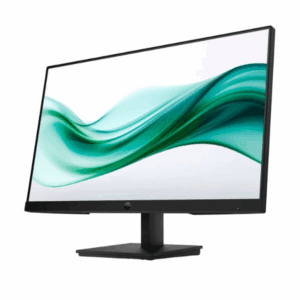
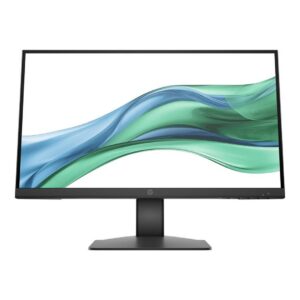
Dell P3223QE 32″ Monitor
Detail driven
Experience outstanding power, clarity and detail on a brilliant 31.5-inch, 4K hub monitor.
Extensive connectivity
Easily connect to a variety of devices with extensive connectivity ports, including HDMI, DisplayPort, USB-C, RJ45 and 4x SuperSpeed USB 5 Gbps. MAC Address pass-through, PXE Boot, and Wake-on-LAN are conveniently built in.
Custom set up for maximum efficiency
Designed with wellness in mind
Comfort View Plus–an always-on, built-in low blue light screen–reduces potentially harmful blue light emissions without compromising color.
Beautifully functional
The stunning black finish and small base compliment an improved cable management system that hides cords in the monitor riser.
Convenient adjustability: Experience made-for-you comfort by tilting, swiveling, pivoting and adjusting the height of your monitor (150mm max) for optimal viewing comfort.
Turn your workspace into an organized productivity hub
Jumpstart productivity: Simply press the monitor power button and the power sync feature seamlessly starts your monitor and connected Dell PC, even when the laptop lid is closed. Compatible with select Dell PCs.
Display Type: LED-backlit LCD monitor / TFT active matrix
Energy Class: Class F
Diagonal Size: 31.5″
Built-in Devices: USB 3.2 Gen 1/USB-C hub
USB Power Delivery: 90 Watt
Panel Type: IPS
Aspect Ratio: 16:9
Native Resolution: 4K 3840 x 2160 at 60 Hz
Pixel Pitch: 0.18159 mm
Pixel Per Inch: 139.87
Brightness: 350 cd/m²
Contrast Ratio: 1000:1 / 1000:1 (dynamic)
Colour Support: 1.07 billion colours
Colour Gamut: 99% sRGB
Response Time: 8 ms (normal); 5 ms (fast)
Horizontal Viewing Angle: 178°
Vertical Viewing Angle: 178°
Screen Coating: Anti-glare, 3H Hard Coating
Backlight Technology: LED backlight
Features: Mercury free, arsenic-free glass, 3-sided bezeless, Dell ComfortView Plus
Dimensions (WxDxH): 71.24 cm x 23.317 cm x 61.867 cm – with stand
Weight: 9.9 kg